Load Datasets
Load Datasets
Before we can use Athena to query our datasets, we need to load the data into an S3 bucket.
Load Data into Your Account
- In the top navigation bar, click the CloudShell icon.
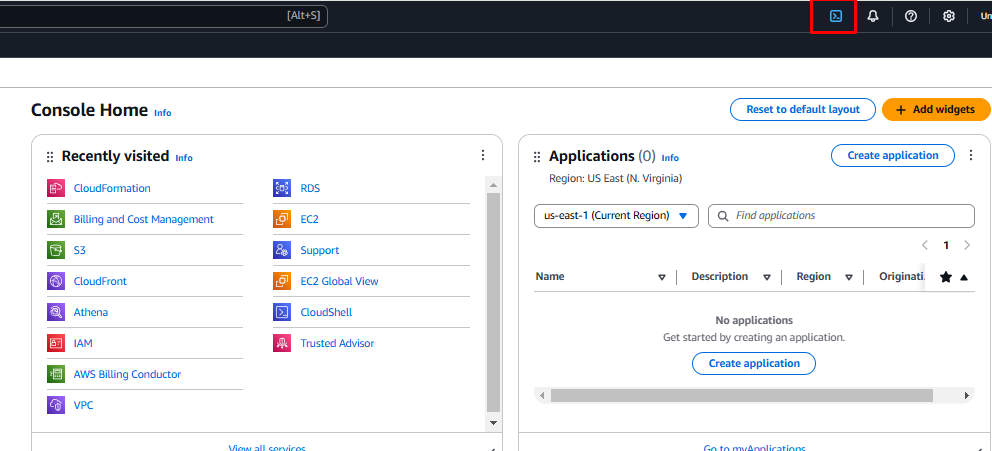
- Once loaded, it will look like this.
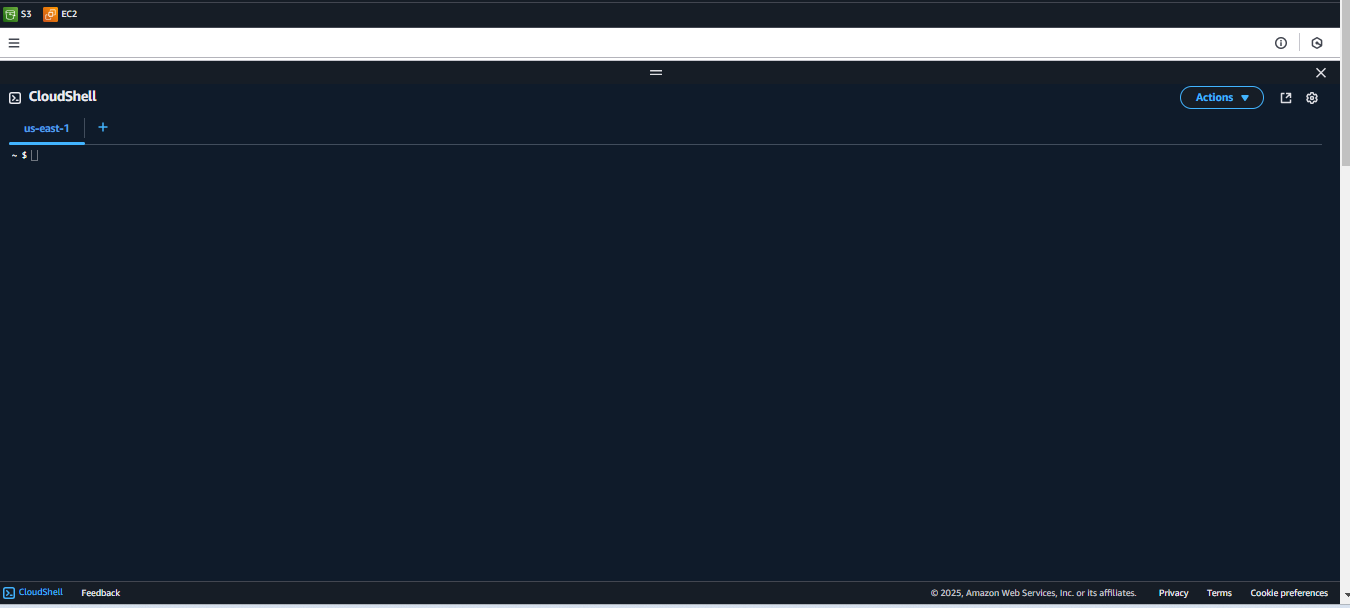
- Copy and paste the following commands into the terminal:
accountid=$(aws sts get-caller-identity --query "Account" --output text)
aws s3 cp s3://ws-assets-prod-iad-r-iad-ed304a55c2ca1aee/9981f1a1-abdc-49b5-8387-cb01d238bb78/v1/csv/customers.csv ./customers.csv
aws s3 cp s3://ws-assets-prod-iad-r-iad-ed304a55c2ca1aee/9981f1a1-abdc-49b5-8387-cb01d238bb78/v1/csv/sales.csv ./sales.csv
aws s3 cp customers.csv s3://athena-workshop-$accountid/basics/csv/customers/customers.csv
aws s3 cp sales.csv s3://athena-workshop-$accountid/basics/csv/sales/sales.csv
rm sales.csv customers.csv
aws s3 cp s3://ws-assets-prod-iad-r-iad-ed304a55c2ca1aee/9981f1a1-abdc-49b5-8387-cb01d238bb78/v1/parquet/sales.zip ./sales.zip
unzip -o sales.zip
rm sales.zip
aws s3 sync ./sales s3://athena-workshop-$accountid/basics/parquet/sales
aws s3 cp s3://ws-assets-prod-iad-r-iad-ed304a55c2ca1aee/9981f1a1-abdc-49b5-8387-cb01d238bb78/v1/parquet/customers.zip ./customers.zip
unzip -o customers.zip
aws s3 sync ./customers s3://athena-workshop-$accountid/basics/parquet/customers
echo "----- done -----"
NOTE: If a “Safe Paste for multiline txt” prompt is displayed, click the PASTE button.
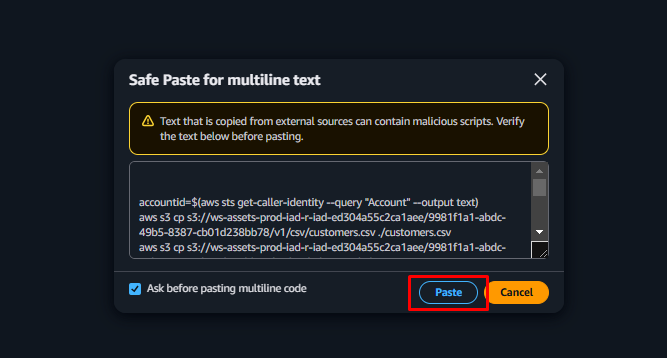 Once the commands have completed, the data will have been loaded into an S3 bucket in your account.
Verify the Data Load
To verify the data has been loaded, follow these steps:
- In the Search bar at the top of the screen, type S3 and click S3 in the search results.
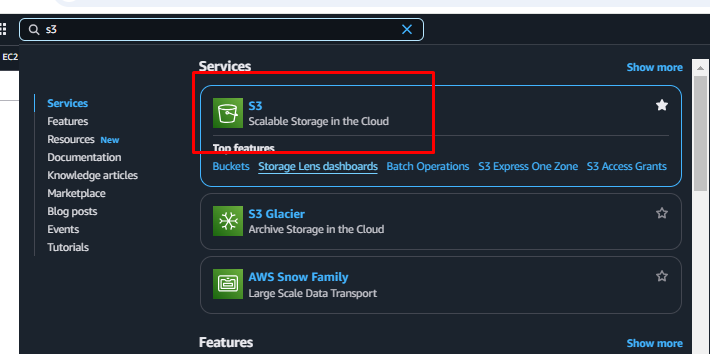
- Locate the S3 bucket that has been created for the workshop. It will be named: athena-workshop-[your AWS account number]
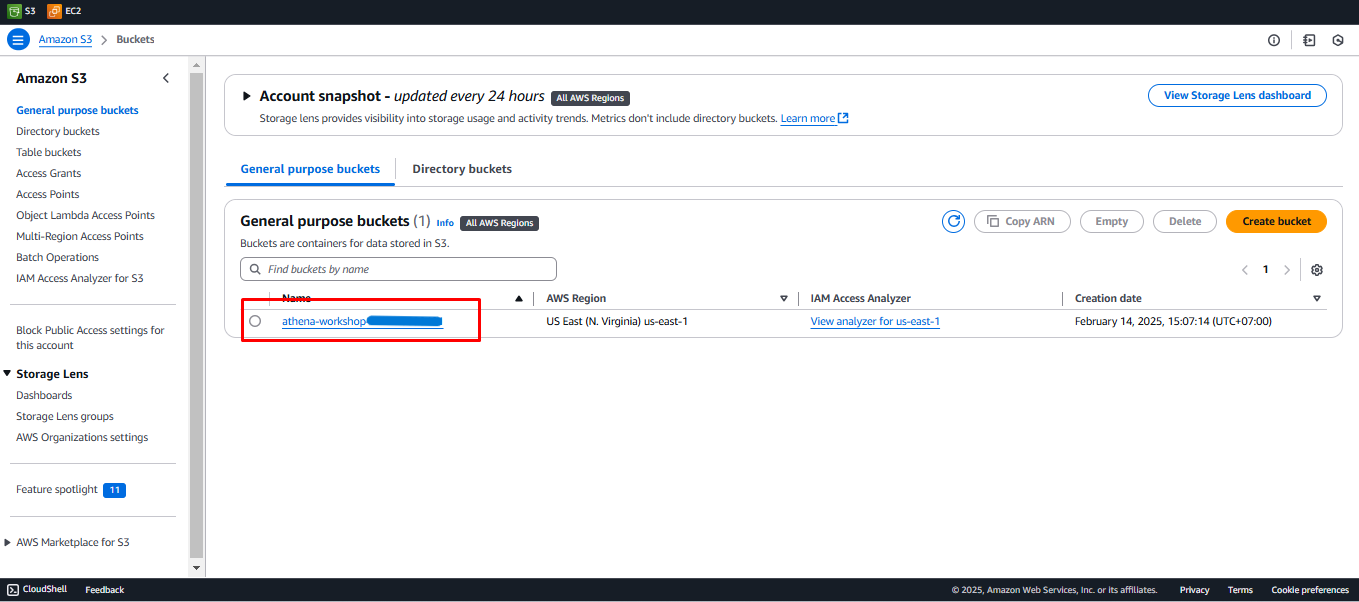
Example: athena-workshop-12345678910
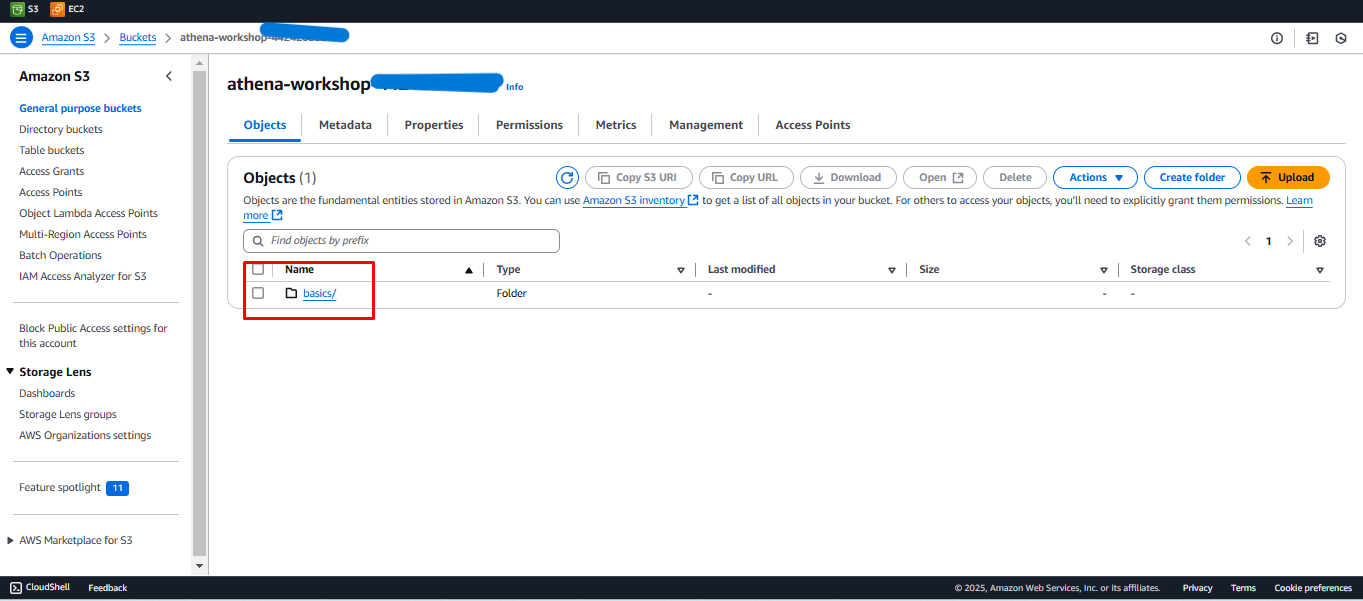
- Click the bucket name and check the following:
- There is a folder called basics.
- The basics folder contains CSV and Parquet folders.
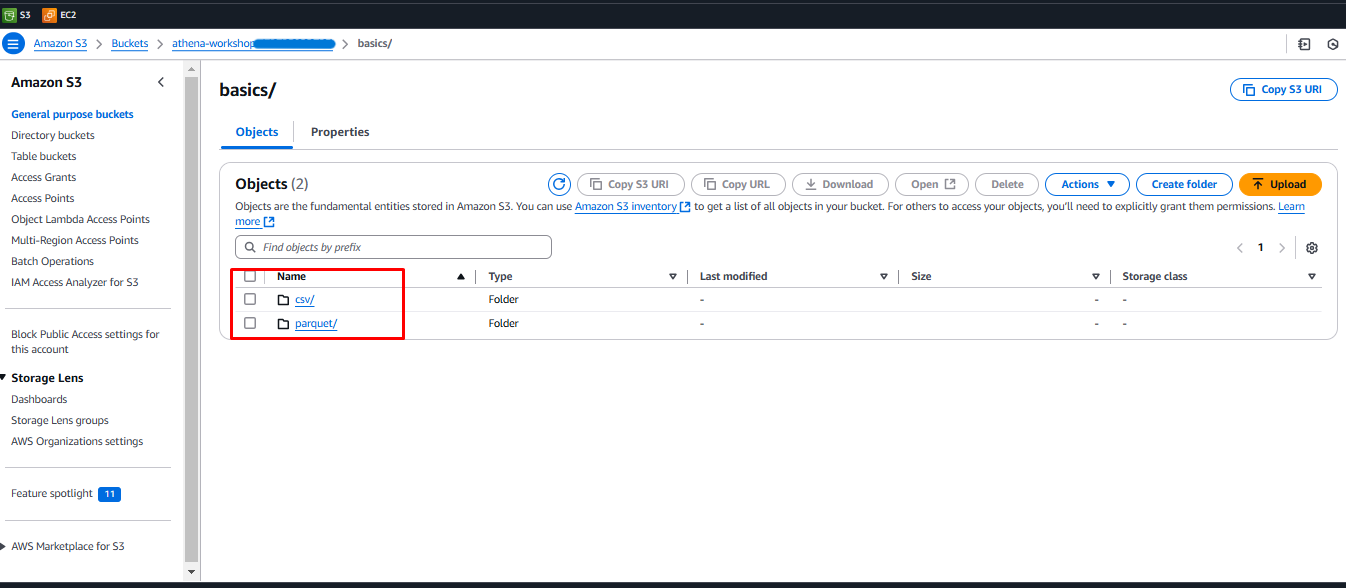 Now the datasets we will use in the lab have been successfully loaded into your account.