Cleanup Resources
After completing the workshop, clean up all AWS resources created using AWS CloudFormation by following these steps:
1. Delete Data in the S3 Bucket
CloudFormation can only delete an S3 Bucket if it is empty, so you need to clean up the data first:
- Open the AWS S3 Console.
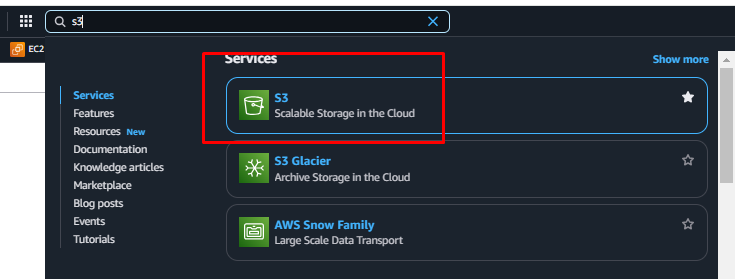
- Select the bucket named athena-workshop-[AWS account number] (e.g.,
athena-workshop-12345677890).
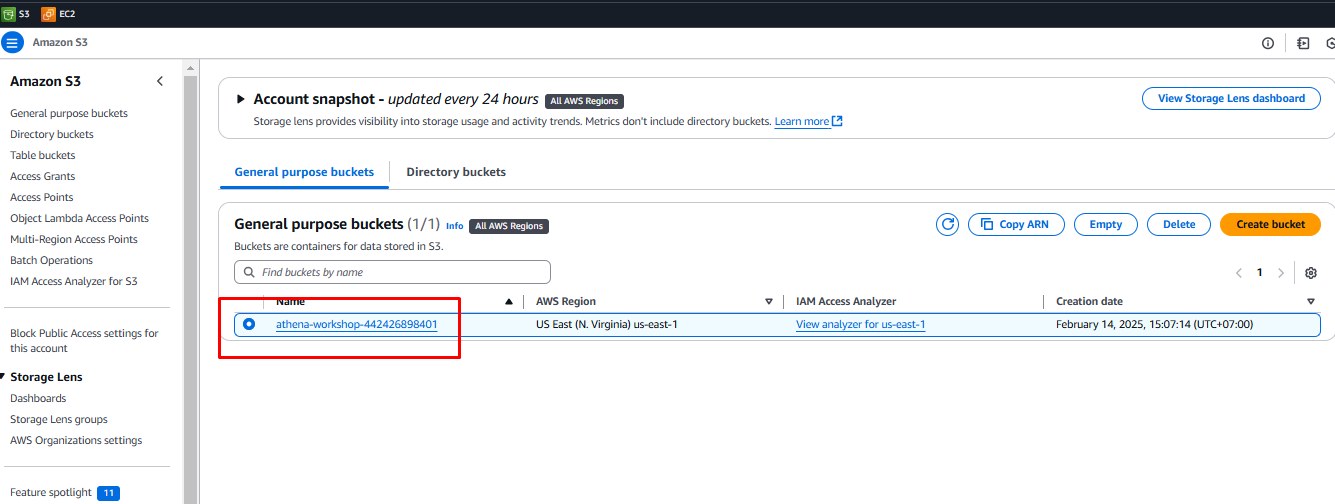
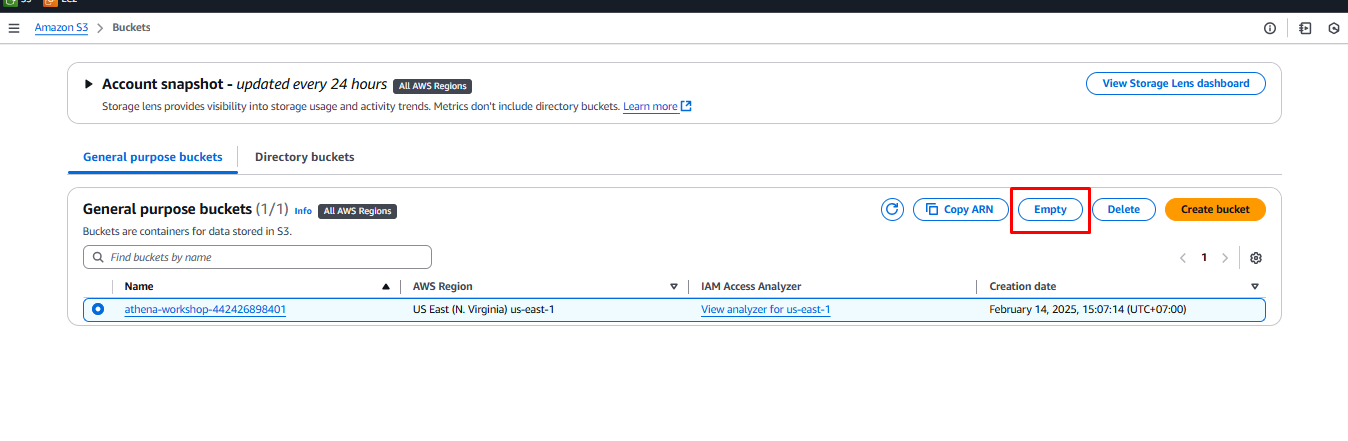
- Click Empty.
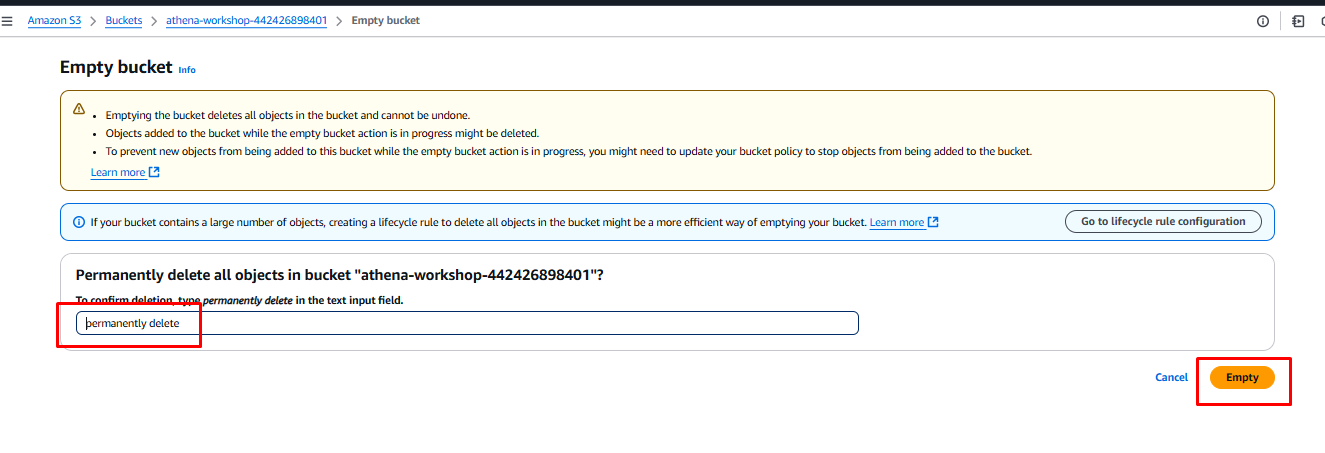
Then confirm permanently delete, and click Empty.
2. Delete the CloudFormation Stack
- Open the AWS CloudFormation Console.
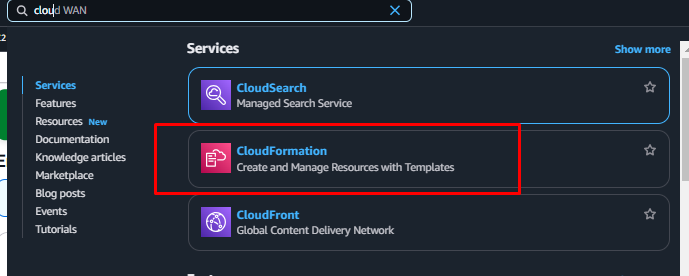
- Select the stack named athena-workshop.
- Click Delete and confirm the deletion.
